Run invoicing, expenses, and payments from one place. Build driver pay structures by mile, load, hour, or percentage, and always know who’s been paid and what’s still owed, without a single spreadsheet.
The accounting system is built around the six financial tasks your office handles every day. Step through each one to see how invoicing, payments, and driver pay stay connected without duplicate entry.
One-Click Invoicing
Quick Invoice Updates
Automate Payment Requests
Customer & Payment Tracking
Custom Driver Pay
Track Expenses
ONE-CLICK INVOICING
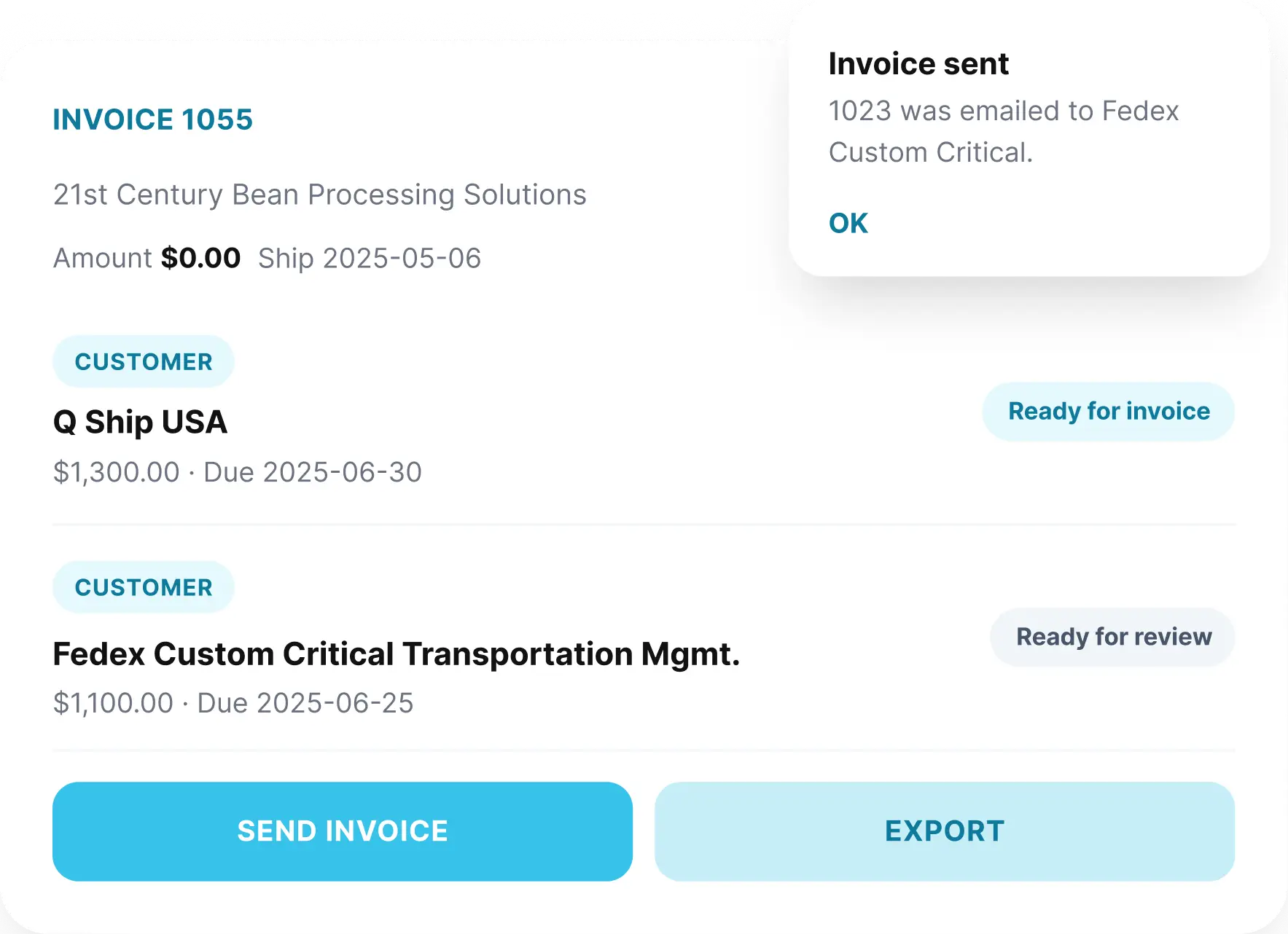
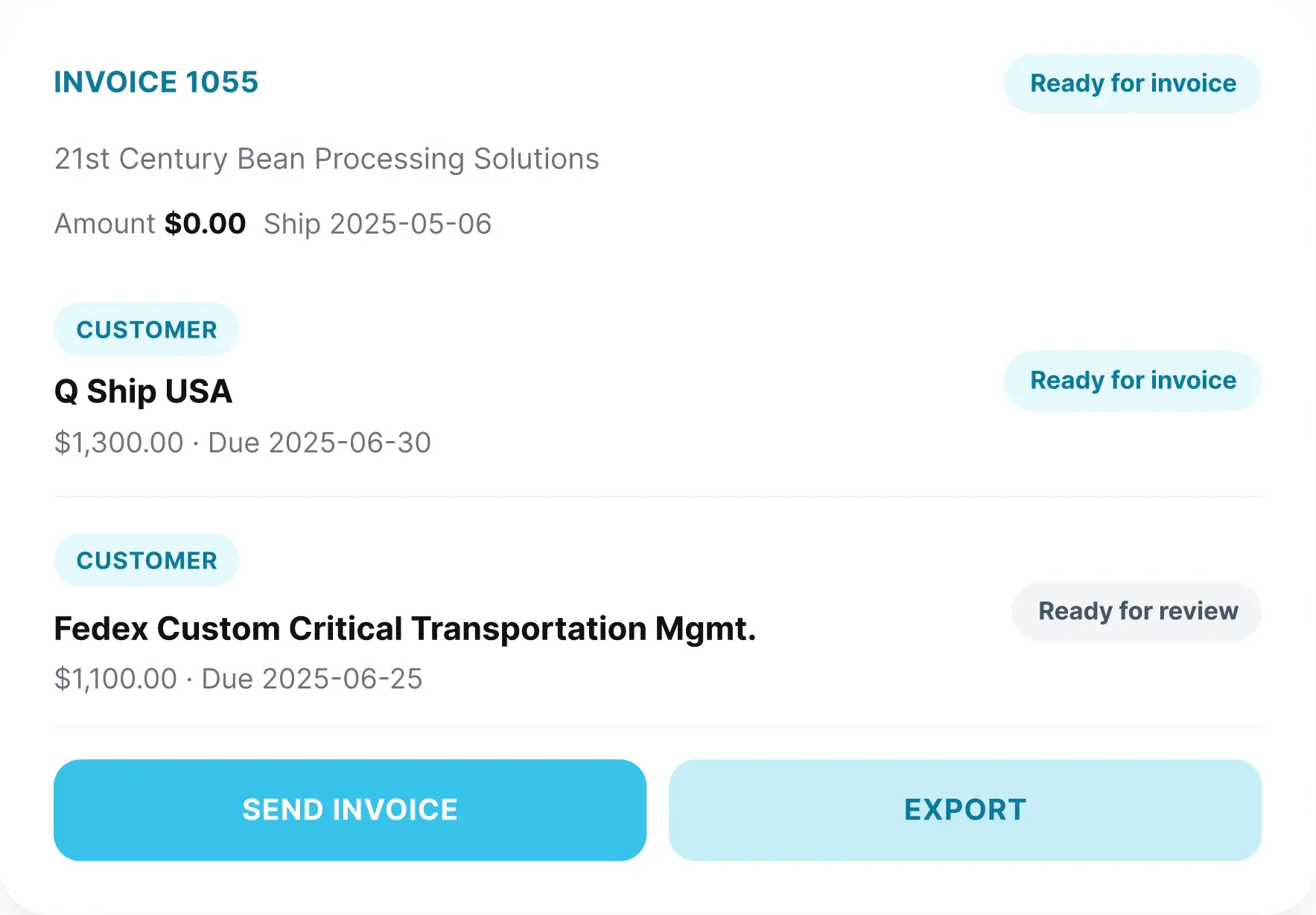
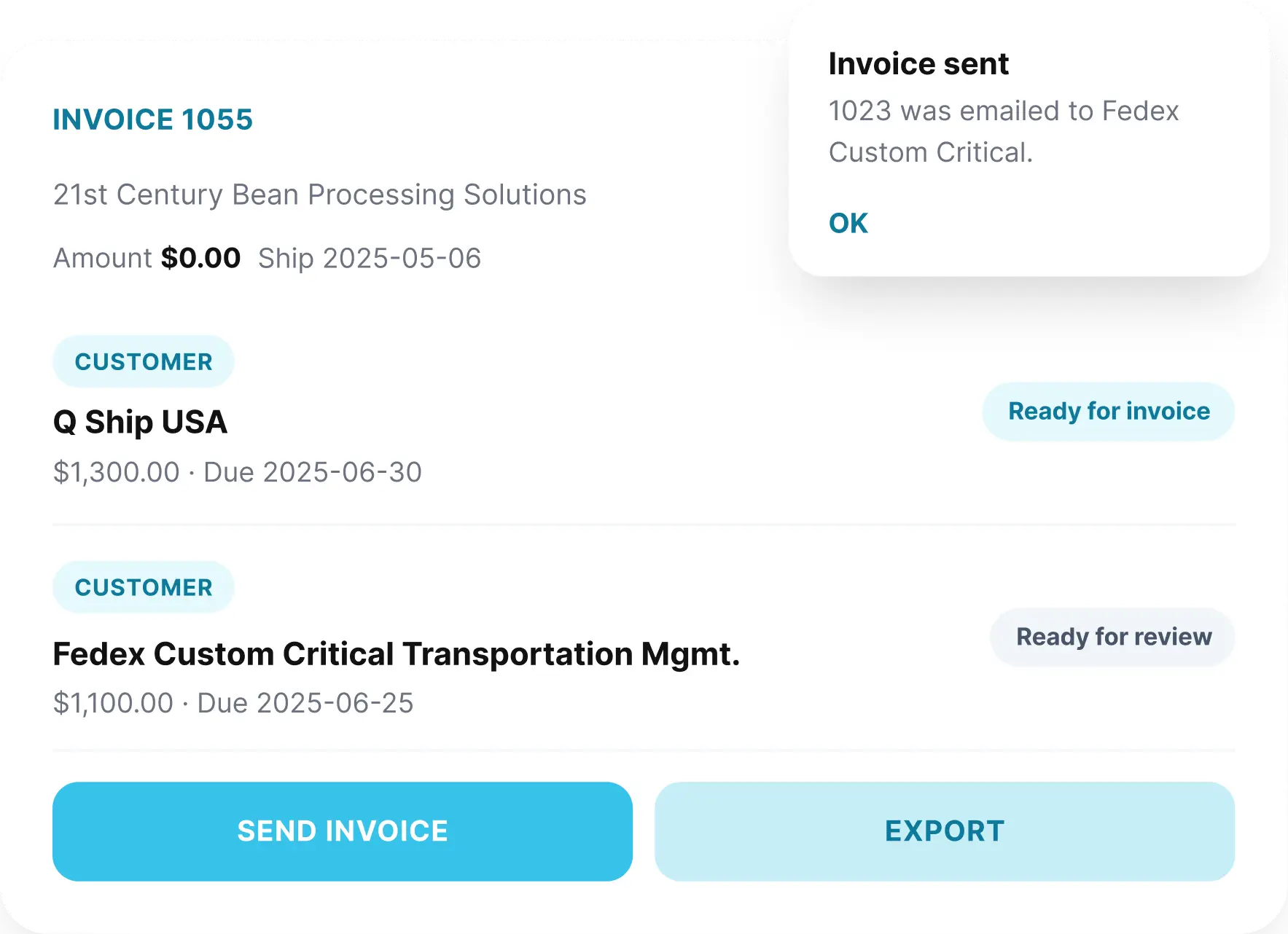
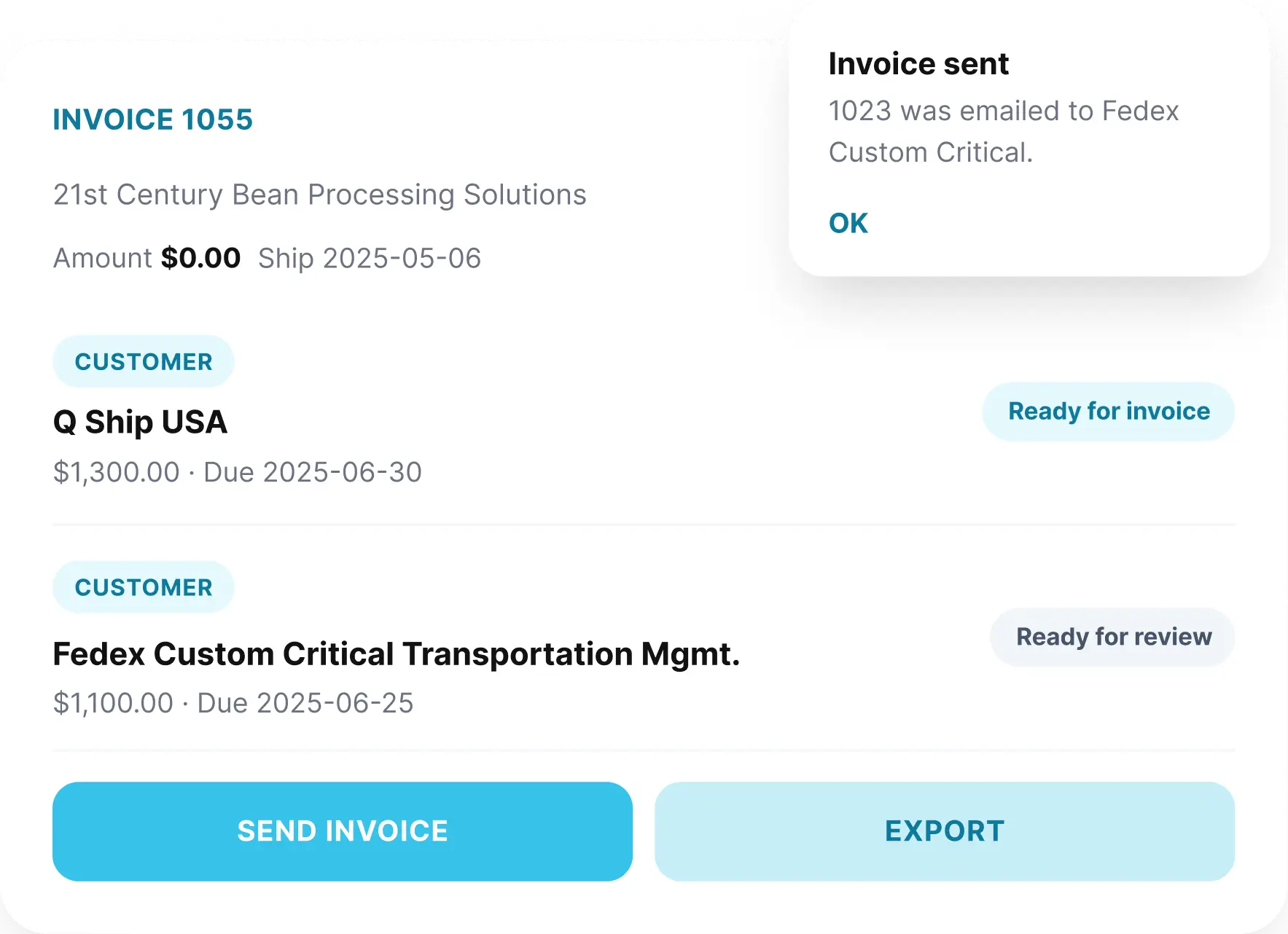
Send an Invoice in One Click, Not Twenty Steps
Invoices generate straight from the completed load, pulling in the customer, rate, and line items automatically, so nothing gets keyed in twice.
Auto-fill customer, rate, and load details on every invoice
Axleflow sends automatic payment reminders as invoices approach and pass their due date, so your office isn’t the one making the awkward follow-up call.
Adjust an invoice after the fact without rebuilding it from scratch.
03
Automate Payment Requests
Scheduled reminders that chase late payments automatically.
04
Customer & Payment Tracking
See exactly who owes what, in one view.
05
Custom Driver Pay
Pay by mile, load, hour, or percentage, calculated automatically.
06
Track Expenses
Log costs against the right load and know your real cost per mile.
STORY
Payroll used to take me a full day every week, matching pay against loads by hand. Now Axleflow calculates it automatically and I just review it before it goes out.
Put financial operations on autopilot. Automated invoicing, payment tracking, and driver pay give your back office real-time visibility without hours of manual reconciliation.
CONNECTED AXLEFLOW
See How Dispatch Connects to the Rest of Axleflow.
Dispatch doesn’t work in isolation. Axleflow links it to driver pay, compliance, lead generation, and the tools your back office already relies on.
AI-assisted load entry cuts down on manual typing. Dispatchers assign drivers in seconds, track status changes live, and hand off completed loads to billing automatically.
Axleflow tracks license renewals, insurance certificates, and maintenance schedules, and flags what needs attention before it becomes a compliance issue.
Yes. Invoicing, automated payment reminders, and driver pay by mile, load, hour, or percentage all run from the same accounting workspace.
Can I set up custom driver pay structures?
Yes. Each driver can have their own pay structure, and Axleflow calculates what’s owed automatically as their loads are completed.
Does Axleflow track expenses and fuel cards?
Yes. Expenses can be logged directly against a load or driver, including fuel card charges, so your real cost per mile stays accurate.
How does invoicing work inside Axleflow?
Invoices generate directly from a completed load, pulling in the customer, rate, and line items automatically, so nothing needs to be re-entered by hand.
Can Axleflow send automatic payment reminders?
Yes. Reminders go out before and after a due date on a schedule you set, so overdue invoices don’t depend on someone remembering to follow up.
Can I see which customers owe money at a glance?
Yes. A single dashboard shows every customer’s balance and payment status, so collections never require digging through old emails.
Does the accounting system connect to dispatch and the driver app?
Yes. Once a load is marked delivered and documents are uploaded, it flows straight into invoicing and driver pay without a manual handoff.
Is training included for the accounting tools?
Yes. Onboarding includes hands-on training for your back office team, along with ongoing support as your accounting setup evolves.